The problem I have is that the GUI tools are very specific to distros, dms, and releases. It’s a problem that arises from having so many choices.
CLI tools work long after they’re deprecated and very often cross distros.
Something as simple as getting your IP address can be in diferent areas, the settings->network panel isn’t even a safe bet. A lot of distros are now putting a network or wifi icon in your tray, but it doesn’t always look the same, can be hidden, isn’t in the same place.
Ifconfig and ip work on everything and can be installed on almost, if not every, platform.
If you do a web search for how to find your local network address in linux using the GUI, you’re given a choice of a bunch of different places to look and the reccomendations don’t line up word-for-word with what the current menus in KDE->settings look like. What’s more interesting is when I go into kde-settings and do manages to find Wi-Fi and internet instead of network connections, it doesn’t give me my ip, it’s all just blank.
And a lot of desktop distros know how to suggest installation so if I type ip addr it might say do you want to"apt install iproute2"? or dnf or whatever I need to make it work regardless of distro.
But if I’m trying to use a GUI it’s harder to figure out how to make a GUI tool appear. What’s it’s package name on this distro? Should I be using Flatpak and if so where’s that? Etc. And this lack of assistance isn’t (just) bad design because I don’t know how you’d design a GUI where I can go “I want the NetworkInspector tool” and it just does the right thing.


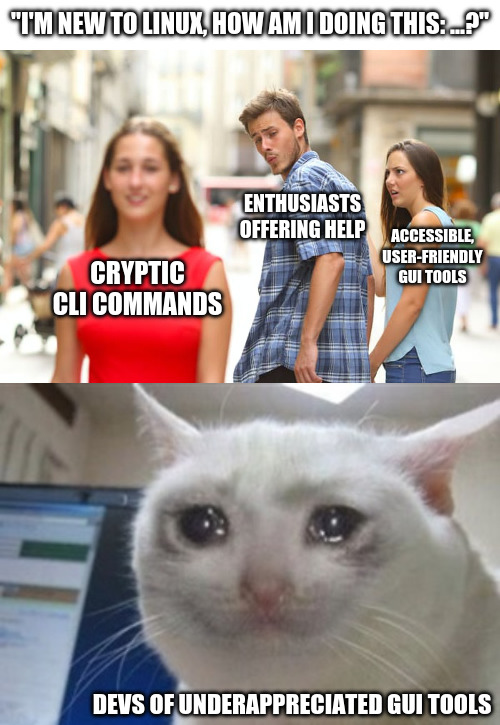
The problem I have is that the GUI tools are very specific to distros, dms, and releases. It’s a problem that arises from having so many choices.
CLI tools work long after they’re deprecated and very often cross distros.
Something as simple as getting your IP address can be in diferent areas, the settings->network panel isn’t even a safe bet. A lot of distros are now putting a network or wifi icon in your tray, but it doesn’t always look the same, can be hidden, isn’t in the same place.
Ifconfig and ip work on everything and can be installed on almost, if not every, platform.
If you do a web search for how to find your local network address in linux using the GUI, you’re given a choice of a bunch of different places to look and the reccomendations don’t line up word-for-word with what the current menus in KDE->settings look like. What’s more interesting is when I go into kde-settings and do manages to find Wi-Fi and internet instead of network connections, it doesn’t give me my ip, it’s all just blank.
And a lot of desktop distros know how to suggest installation so if I type
ip addrit might saydo you want to "apt install iproute2"?ordnfor whatever I need to make it work regardless of distro.But if I’m trying to use a GUI it’s harder to figure out how to make a GUI tool appear. What’s it’s package name on this distro? Should I be using Flatpak and if so where’s that? Etc. And this lack of assistance isn’t (just) bad design because I don’t know how you’d design a GUI where I can go “I want the NetworkInspector tool” and it just does the right thing.