

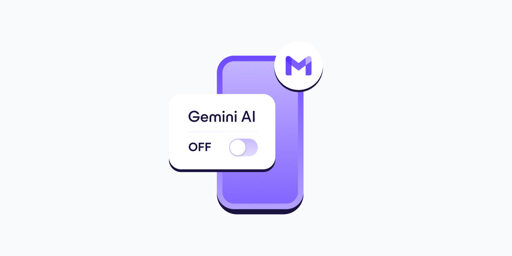
- In your Gmail app, go to Settings.
- Select your Gmail address.
- Clear the Smart features checkbox.
- Go to Google Workspace smart features.
- Clear the checkboxes for: Smart features in Google Workspace, Smart features in other Google products
- If you have more Gmail accounts, repeat these steps for each one.
- Turning off Gemini in Gmail also disables basic, long-standing features like spellchecking, which predate AI assistants. This design choice discourages opting out and shows how valuable your AI-processed data is for Google.
This has finally gotten me to take steps to deGoogle my email, Fastmail trial underway.
LOL I did and these fuckers decided to disable my widget. It only shows my inbox as empty. Yeah I definitely need to continue my de-googlifying.
I’d like to invite you to try https://port87.com/
It’s proudly AI free.
🤔
Yeah, I really should sit down and create a Matrix server for it.
What do you like about them? Over fastmail or whatever
I meant I run it.
But to answer your question, it uses subaddressing really well. When you give your email to a company, you add a label to the address just for that company, then all of their emails go in that label. You can easily toggle things like notifications, mark as read, and show in aggbox (our version of the inbox, since there isn’t really an inbox when everything is sorted already). Then if that company leaks your email, you can block that label.
You can also set up screening labels that are meant for real people, then any new senders get screened to make sure they’re human before you get their mail.