

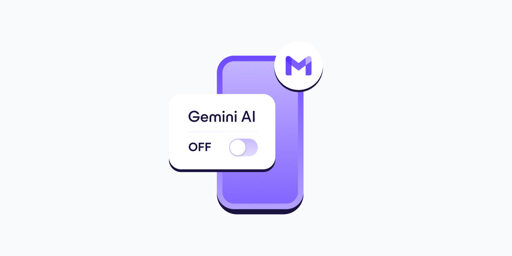
- In your Gmail app, go to Settings.
- Select your Gmail address.
- Clear the Smart features checkbox.
- Go to Google Workspace smart features.
- Clear the checkboxes for: Smart features in Google Workspace, Smart features in other Google products
- If you have more Gmail accounts, repeat these steps for each one.
- Turning off Gemini in Gmail also disables basic, long-standing features like spellchecking, which predate AI assistants. This design choice discourages opting out and shows how valuable your AI-processed data is for Google.
This has finally gotten me to take steps to deGoogle my email, Fastmail trial underway.
Alright, my bad, good ackshually. 👍 Let’s refer to it as name-calling.
So like, calling someone a dipshit just because you’ve run into so many people that annoy you… I dunno. If it was the same person that annoyed you over and over again, I’d get it, but, this is your first interaction with this person, right? You feel me?
🤷♂️ You have the right to call anyone you want a dipshit, of course, I just would like us to have civil discourse here. Everyone benefits from that, I believe. Plus, I think we’re all mostly on the same side regarding this matter. I don’t feel like this is a every polarizing issue here. 😁 Google is the enemy here, let’s not infight.
A person is also much more susceptible and inclined to listen without being called names. 😉
Have a good day today, buddy!