

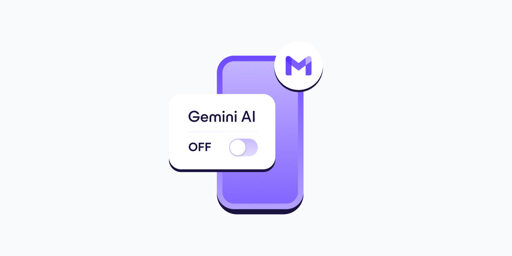
- In your Gmail app, go to Settings.
- Select your Gmail address.
- Clear the Smart features checkbox.
- Go to Google Workspace smart features.
- Clear the checkboxes for: Smart features in Google Workspace, Smart features in other Google products
- If you have more Gmail accounts, repeat these steps for each one.
- Turning off Gemini in Gmail also disables basic, long-standing features like spellchecking, which predate AI assistants. This design choice discourages opting out and shows how valuable your AI-processed data is for Google.
This has finally gotten me to take steps to deGoogle my email, Fastmail trial underway.
All the suggestions in this thread are good, but for anyone who doesn’t want to self-host or change providers entirely (because changing your email is an absolute pain in the ass):
At least get a different mail client. You don’t have to use the official Gmail App to access Gmail! I personally really like FairEmail, because it’s open source, has no unnecessary bells and whistles, and just works. It takes less than 5mins to download it and move Gmail over there completely, with no risk of losing any data or missing any mails.
Or Thunderbird, I use that with my yahoo email ive had for 20 years. I cant get rid of it at this point ha
Have Thunderbird in my phone.
IMO equal and almost better than Outlook (primarily with multiple accounts)