On duckduckgo.com it’s unfortunately enabled by default though. You have to go out of your way to set your search browser to noai.duckduckgo.com if you want default AI disabled (which you’ll want on e.g. private browsing windows/any browser that autodeletes cookies when you close it). It’s extra hassle because most privacy web browsers use DDG by default, not the noai subdomain.


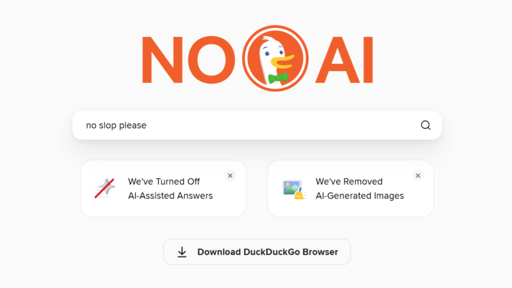
Couple months ago, I learned that duckduckgo has settings about disabling AI content. Settings>AI features.
Easy as that.
Not as easy if you auto-delete your cookies on the closing of your browser.
I had that problem, so then I started using https://noai.duckduckgo.com/ - it works well.
On duckduckgo.com it’s unfortunately enabled by default though. You have to go out of your way to set your search browser to noai.duckduckgo.com if you want default AI disabled (which you’ll want on e.g. private browsing windows/any browser that autodeletes cookies when you close it). It’s extra hassle because most privacy web browsers use DDG by default, not the noai subdomain.
Companies that can not be trusted to not add features their customers do not want can not be trusted to keep them disabled by default.
If the door to AI exists, we, the users, do not trust the organization to keep it locked.